


Website: Tufa AI
Category: Marketing / Social Media Management
Source Type: Closed Source
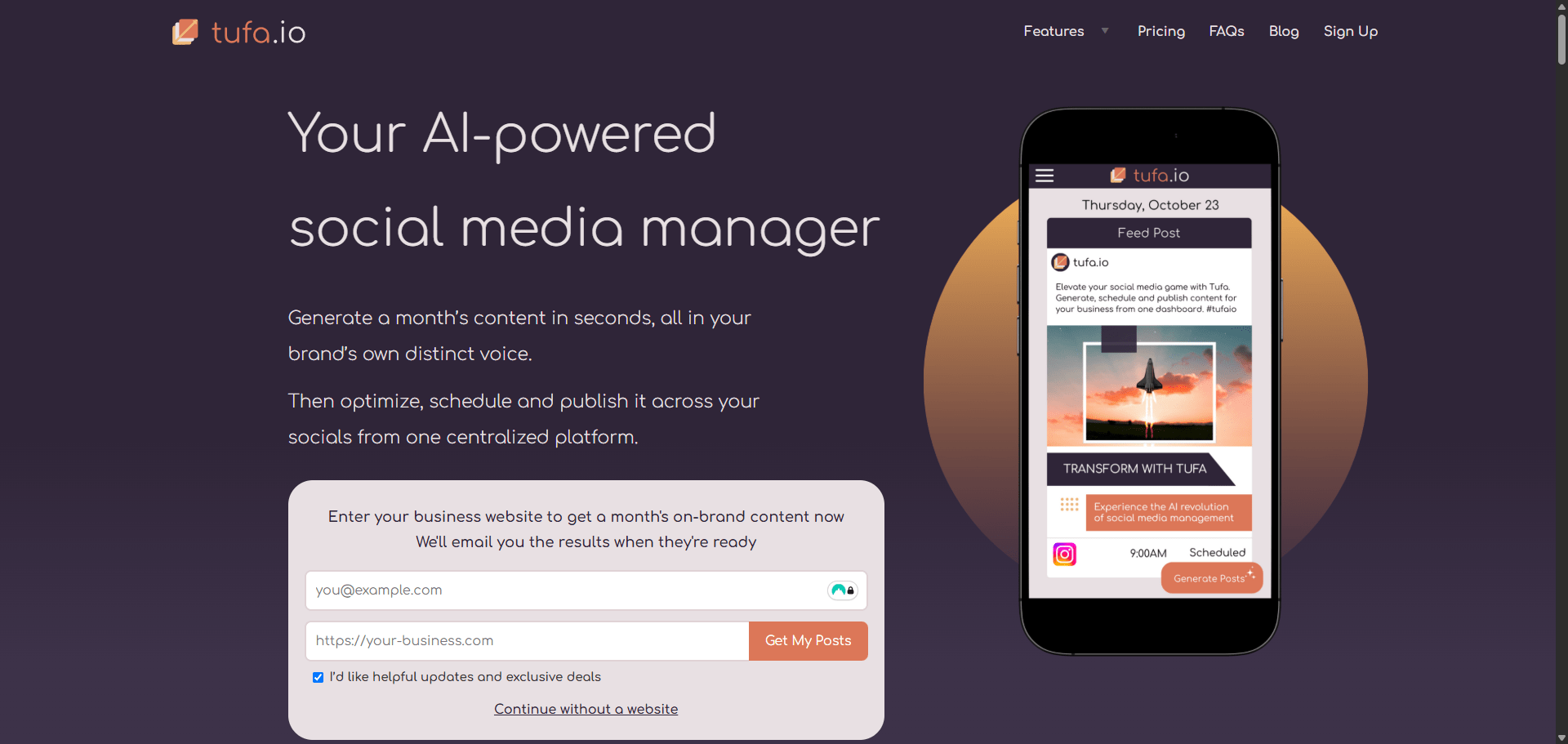
Tufa AI is an intelligent social media management platform built for creators, agencies, and brands that want to automate their entire content lifecycle — from ideation to publishing.
It uses AI to analyze your website, tone, and audience to craft tailored posts that match your brand voice.
Unlike traditional schedulers, Tufa doesn’t just plan posts — it writes, optimizes, and publishes them automatically across multiple platforms like Facebook, LinkedIn, and X.
The platform doubles as an AI-powered content studio, giving marketers a full calendar view, trending topic ideas, and instant captions — all in one clean dashboard.
| Plan | Features | Price |
|---|---|---|
| Free | 10 scheduled posts/month, 1 brand workspace | $0 |
| Pro | Unlimited scheduling, collaboration tools, custom templates | From $11/month |
| Business | Team access, brand analytics, priority posting | From $25/month |
| Tool | Focus | Best For |
|---|---|---|
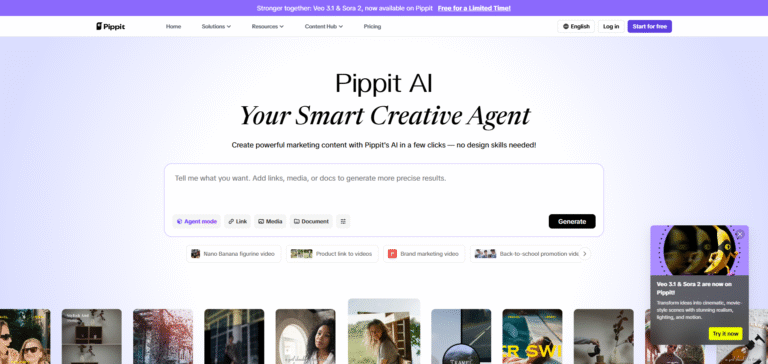
| Pippit AI | Content creation | Small businesses and creators |
| Marketr | AI campaign generation | Agencies running ad campaigns |
| WePost | Social posting automation | Multi-brand management |
| Buffer AI | Scheduling & analytics | Traditional SMM users transitioning to AI |
Tufa AI is one of the most well-rounded social media AI managers available in 2025.
It’s fast, affordable, and genuinely helps small teams post more consistently — without creative burnout.
If you’ve ever wanted an AI social media assistant that posts while you sleep, Tufa is that agent.
🧭 Verdict Summary: Tufa AI blends content creation, scheduling, and automation into one intelligent marketing hub — perfect for creators and agencies who value time and consistency.
Tufa integrates AI content generation directly into the scheduling workflow — it doesn’t just post, it creates the posts for you.
Yes. Tufa supports brand workspaces where each has unique tone, templates, and calendars.
Yes. The free plan includes limited scheduling; premium tiers unlock full automation and collaboration.
Tufa connects with AI visual generators to suggest relevant images or templates for posts.
| Feature | Tufa AI | Pippit AI | Marketr |
|---|---|---|---|
| Focus | AI content + scheduling | Content creation | Marketing campaigns |
| Platforms Supported | FB, IG, X, LinkedIn | FB, IG | Multi-channel ads |
| Pricing | Freemium from $11 | Freemium from $24 | Paid from $24.99 |
| Templates | ✅ Yes | ✅ Yes | ✅ Yes |
| Automation | ✅ Full auto-posting | ⚠️ Manual scheduling | ⚠️ Limited auto features |
| Analytics | Basic insights | None | Advanced campaign analytics |
| Verdict | Best for creators & agencies | Best for small teams | Best for marketing pros |