


Open-source AI automation agent for recording, replaying, and managing digital workflows using natural-language commands.
Category: Workflow Automation
Pricing: Free
Source Type: Open Source
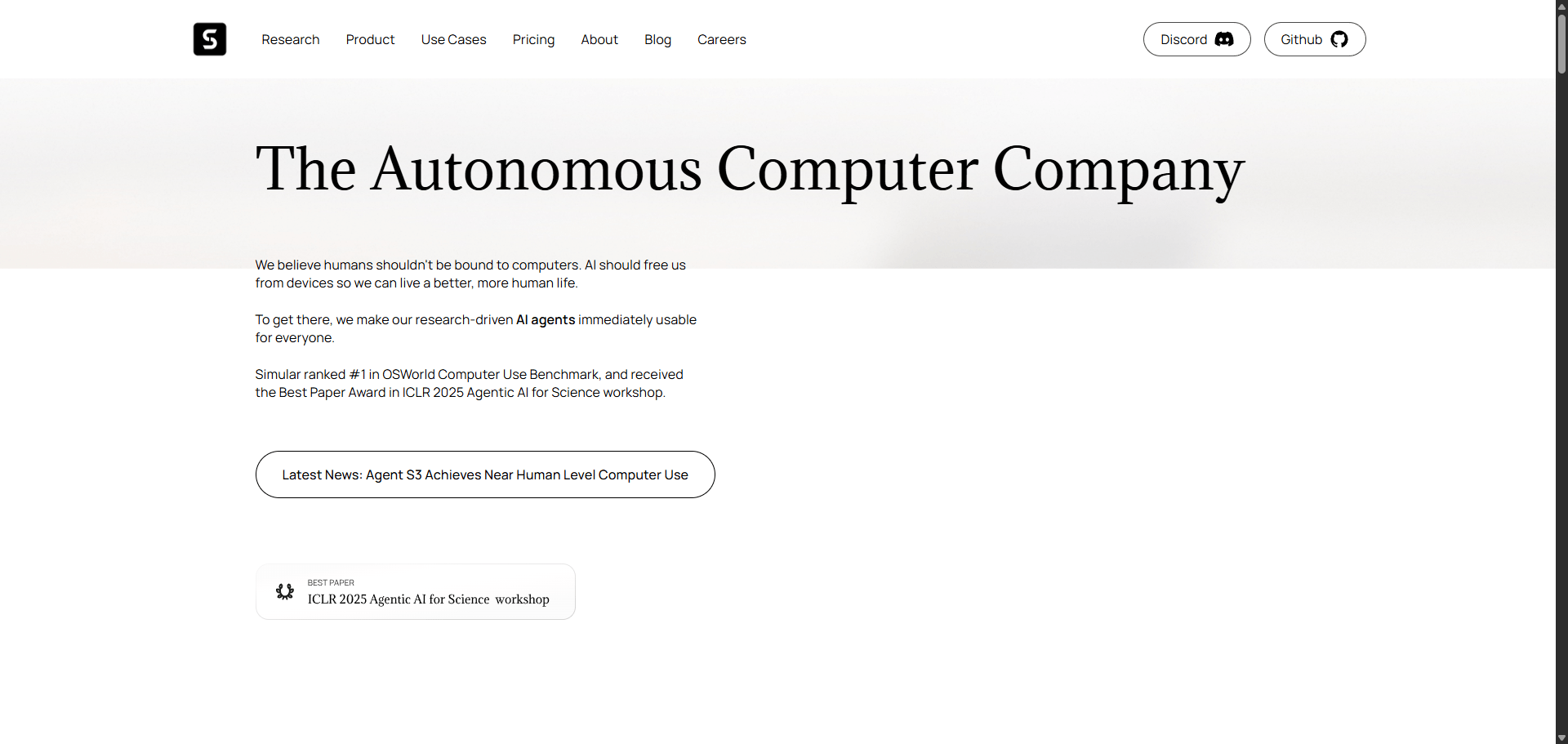
Simular is an AI automation agent that allows users to record, replay, and automate digital workflows using natural language instructions.
Built for both developers and business teams, it captures user actions, translates them into reusable instructions, and executes them automatically — all while remaining open source and adaptable.
Its unique combination of workflow recording and replay automation makes it ideal for businesses seeking scalable process automation without vendor lock-in.
Whether you’re automating repetitive digital tasks, creating software workflows, or managing scripts, Simular serves as your digital memory — recording once, reusing forever.
| Plan | Features | Price |
|---|---|---|
| Free (Open Source) | Full access, unlimited workflows | $0 |
| Community Edition | Shared templates, support access | Free |
| Enterprise Support | Managed hosting, SLA, custom integrations | Custom |
| Agent | Focus | Pricing |
|---|---|---|
| ToolJet | Build internal apps with natural language | Freemium from $7 |
| GenFuse AI | No-code multi-agent workflow builder | Freemium from $5 |
| Taskade | AI team automation and task management | Freemium from $10 |
| Feature | Simular | ToolJet | GenFuse AI |
|---|---|---|---|
| Focus | Workflow automation | Internal apps | Multi-agent automation |
| Open Source | ✅ Yes | ✅ Yes | ⚠️ Partial |
| Natural Language | ✅ Yes | ⚠️ Limited | ✅ Yes |
| Collaboration | ⚠️ Basic | ✅ Strong | ✅ Moderate |
| Best For | Workflow automation | App builders | No-code teams |
| Verdict | Best for open-source automation | Best for internal apps | Best for AI workflow design |
Simular is a brilliant fusion of automation, simplicity, and open-source freedom.
Unlike closed automation suites, it gives teams complete transparency and control over how workflows are created, executed, and modified.
It’s particularly valuable for developers, IT teams, and startups that want to automate digital actions while maintaining flexibility.
If you value open standards and adaptable frameworks, Simular deserves a spot in your AI automation toolkit.
⭐ Overall Rating: 4.7 / 5
Q1. Is Simular really free?
Yes — it’s open source, and the community edition is completely free to use.
Q2. Does Simular require coding knowledge?
No. You can execute actions using natural-language instructions, though developers can extend it with scripts.
Q3. Can I use Simular for business automation?
Absolutely. It’s ideal for task automation, reporting, or internal workflow replication.
Q4. Does Simular work offline?
Yes — you can record and replay actions locally without cloud dependencies.
| Category | Rating |
|---|---|
| Ease of Use | ⭐ 4.6 |
| Flexibility | ⭐ 4.8 |
| Features | ⭐ 4.7 |
| Community Support | ⭐ 4.6 |
| Value for Money | ⭐ 5.0 |
| Overall | ⭐ 4.7 / 5 |