


Discover Roo Code, the open-source AI coding assistant that integrates into your IDE to automate coding, debugging, and project management.
Category: Coding
Pricing: Undisclosed
Source Type: Open Source
Autonomous coding assistant for developers. Generate, debug, and execute code directly in your IDE — open-source and fully customizable.
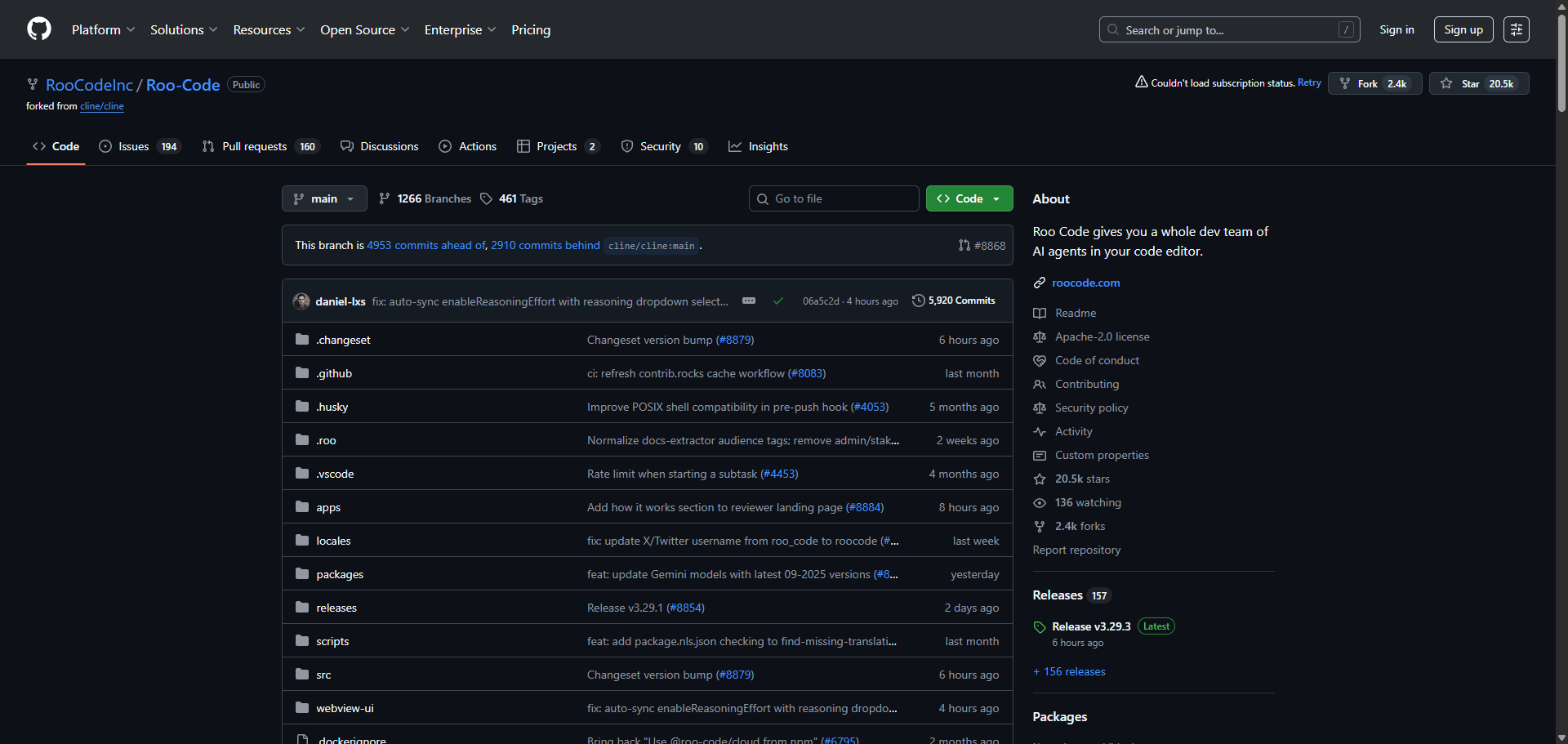
Roo Code is an autonomous AI coding assistant that integrates directly into your code editor.
It allows developers to communicate in natural language and perform tasks such as reading/writing files, executing terminal commands, generating code, debugging, and documentation — all within one environment.
Unlike simple code completion tools, Roo Code introduces multi-mode autonomy — developers can toggle between “guided” and “autonomous” modes to handle anything from writing a single function to completing a full project pipeline.
It’s open source, flexible, and built for developers who want more control, not just autocomplete.
| Plan | Features | Price |
|---|---|---|
| Free (Open Source) | Full functionality, community updates | $0 |
| Pro (Beta) | Cloud sync, multi-agent collaboration | Undisclosed |
| Enterprise | Custom integration and advanced model support | Custom |
| Agent | Focus | Pricing |
|---|---|---|
| Qodo | AI code generation, review, and testing | Freemium from $5 |
| Continue | Intelligent code assistant for developers | Freemium from $0 |
| Trae | Adaptive development environment | Free |
| Feature | Roo Code | Qodo | Continue |
|---|---|---|---|
| Code Generation | ✅ Yes | ✅ Yes | ✅ Yes |
| Debugging Support | ✅ Advanced | ⚠️ Basic | ✅ Intermediate |
| IDE Integration | ✅ Full | ⚠️ Partial | ✅ Full |
| Customizable AI Modes | ✅ Yes | ⚠️ No | ⚠️ Limited |
| Source | Open Source | Closed | Open Source |
| Best For | Developers, coders | Test automation | Workflow optimization |
| Verdict | Best for hands-on coding autonomy | Best for QA | Best for AI dev flows |
Roo Code is more than an AI coding companion — it’s a developer’s co-pilot that actually listens.
It handles complex multi-file logic, automates routine coding operations, and executes shell commands seamlessly.
For developers who crave control, transparency, and flexibility, Roo Code stands out as one of the most capable open-source autonomous coding agents on the market.
⭐ Overall Rating: 4.8 / 5
Q1. Is Roo Code free?
Yes — it’s open source and free for personal and professional use.
Q2. Can Roo Code execute terminal commands?
Yes, it can run shell commands safely within its environment.
Q3. Does Roo Code support debugging?
Absolutely. It identifies issues, explains root causes, and suggests fixes.
Q4. What IDEs does it support?
Roo Code integrates with Visual Studio Code and JetBrains environments.
| Category | Rating |
|---|---|
| Ease of Use | ⭐ 4.6 |
| Code Assistance | ⭐ 4.9 |
| Debugging | ⭐ 4.8 |
| Customization | ⭐ 4.9 |
| Value for Developers | ⭐ 4.8 |
| Overall | ⭐ 4.8 / 5 |