



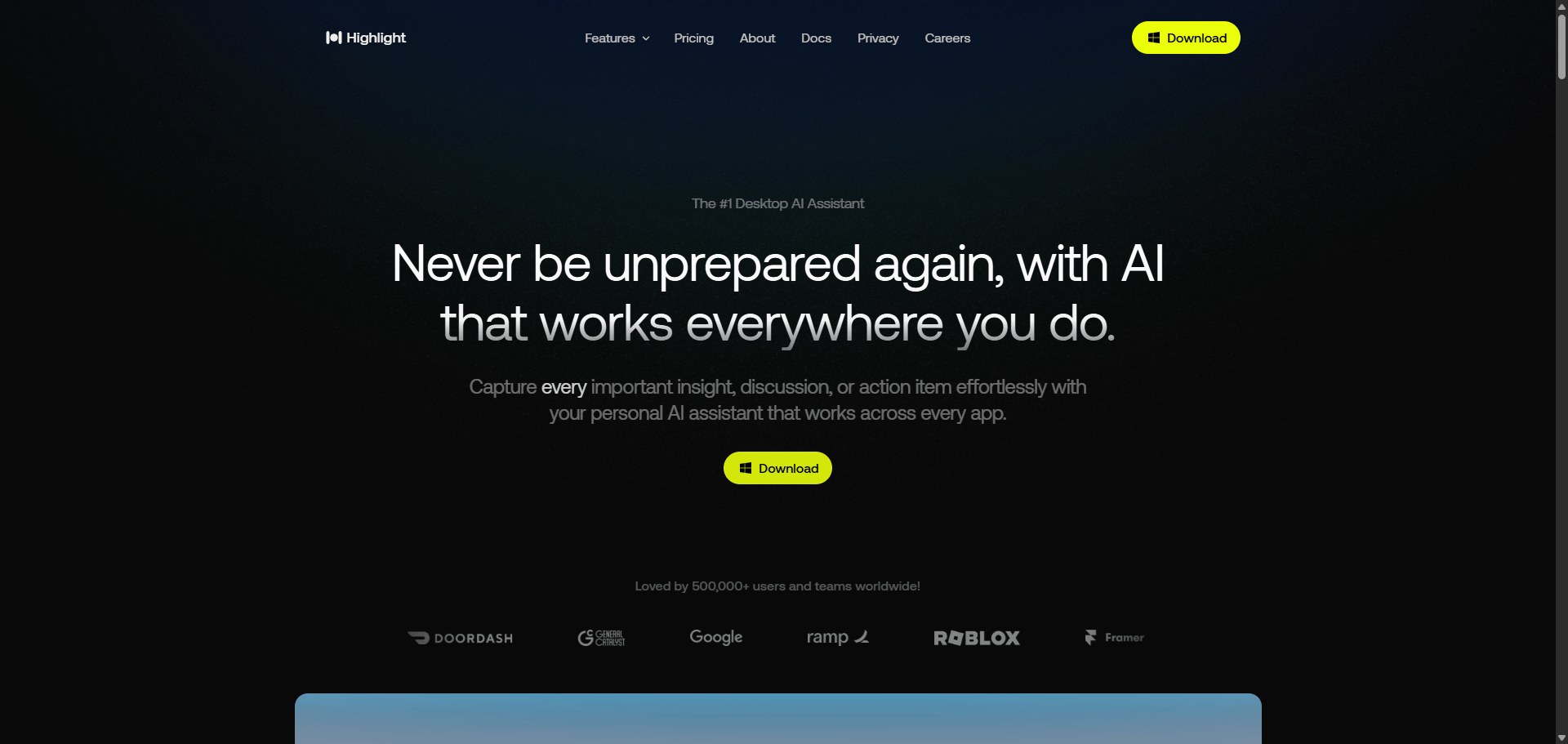
Boost productivity and protect privacy with Highlight AI — a local transcription and writing assistant for executives, writers, and remote teams.
AI-powered writing and transcription assistant that automates notes, drafts emails, and detects tasks — while keeping data 100% private and local.
Category: Executive Assistant
Pricing: Free
Source Type: Closed Source
Highlight AI is a productivity and transcription assistant built to supercharge writing workflows through contextual automation and speech recognition.
It automatically captures meeting notes, drafts messages, edits text, and summarizes discussions across platforms like Google Docs, Notion, and Slack — without ever sending data to the cloud.
The result? Instant writing assistance, smarter task detection, and full data privacy.
Ideal for remote professionals, writers, and executives, Highlight AI works quietly in the background — turning raw conversations and ideas into structured, actionable text.
| Plan | Features | Price |
|---|---|---|
| Free Tier | Unlimited note recording, local storage | $0 |
| Pro | Cloud sync + priority transcription speed | $9/month |
| Business | Team collaboration + advanced analytics | $25/month |
| Enterprise | Custom deployment + admin controls | Custom |
| Agent | Focus | Pricing |
|---|---|---|
| FYXER | Remote executive assistant service | Freemium from $28 |
| MeetGeek | Meeting automation for enhanced productivity | Freemium from $9 |
| Granola | AI notepad for transcribing meeting notes | Freemium from $8 |
| Feature | Highlight AI | MeetGeek | Granola |
|---|---|---|---|
| Local Transcription | ✅ Yes | ⚠️ Cloud Only | ✅ Yes |
| Privacy Protection | ✅ Local Processing | ⚠️ Cloud Storage | ✅ Local |
| Task Detection | ✅ Built-in | ✅ Advanced | ⚠️ Limited |
| App Integrations | ✅ Google Docs, Notion | ✅ Zoom, Meet | ⚠️ Desktop Only |
| Best For | Writers & Executives | Remote Teams | Students & Note-takers |
| Verdict | Best for Privacy and AI Editing | Best for Meetings | Best for Personal Notes |
Highlight AI brings a calm but powerful intelligence to daily writing tasks.
It’s the perfect companion for professionals who write, summarize, or plan throughout their day — without sacrificing privacy.
Its focus on local processing and contextual understanding makes it stand out from typical cloud-based note tools.
For content creators, executives, and writers who want quiet productivity, Highlight AI delivers precision, speed, and security in one seamless package.
⭐ Overall Rating: 4.7 / 5
Q1. Does Highlight AI work offline?
Yes — it runs locally and does not require constant internet access.
Q2. Is my data secure?
Absolutely. Highlight AI processes data on your device and does not upload anything to servers.
Q3. Can it transcribe Zoom or Google Meet calls?
Yes, via desktop audio capture or integrations with meeting apps.
Q4. Is Highlight AI free?
The base version is free, with paid plans for advanced features and faster processing.
| Category | Rating |
|---|---|
| Ease of Use | ⭐ 4.8 |
| Transcription Accuracy | ⭐ 4.7 |
| Privacy & Security | ⭐ 5.0 |
| Integration Support | ⭐ 4.6 |
| Value for Money | ⭐ 4.7 |
| Overall | ⭐ 4.7 / 5 |

