


Excelmatic transforms your Excel files into an AI-driven analytics engine. Discover how this AI agent simplifies spreadsheets with automation, visualization, and instant insights.
Excelmatic is redefining how professionals interact with Excel and CSV files.
Instead of memorizing formulas or juggling pivot tables, users can now simply chat with their data.
This AI agent acts as your personal data analyst — capable of understanding plain-language queries like:
“Show me the top-performing sales regions in Q2,”
“Create a profit trend chart for 2024,”
or even,
“Which product had the highest margin last month?”
Excelmatic instantly processes your datasets, generates visual insights, and builds clean reports.
It’s designed for business users, analysts, and entrepreneurs who want powerful insights — without the complexity of traditional BI tools.
| Plan | Features | Price |
|---|---|---|
| Free | Basic conversational queries + CSV uploads | $0 |
| Pro | Unlimited Excel support, auto-reporting, chart exports | $9/month |
| Business | Team dashboards, shared workspaces, analytics | $29/month |
| Agent | Focus | Pricing |
|---|---|---|
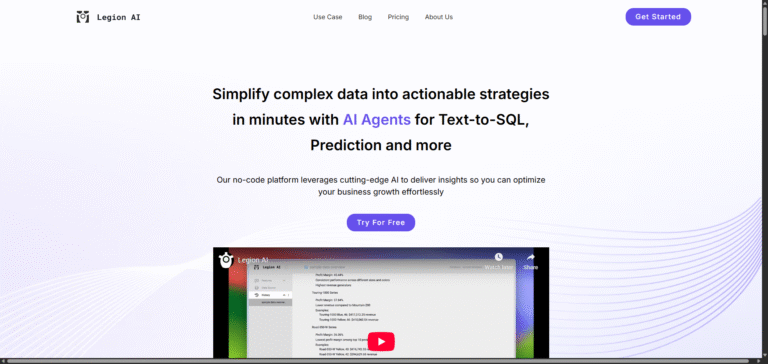
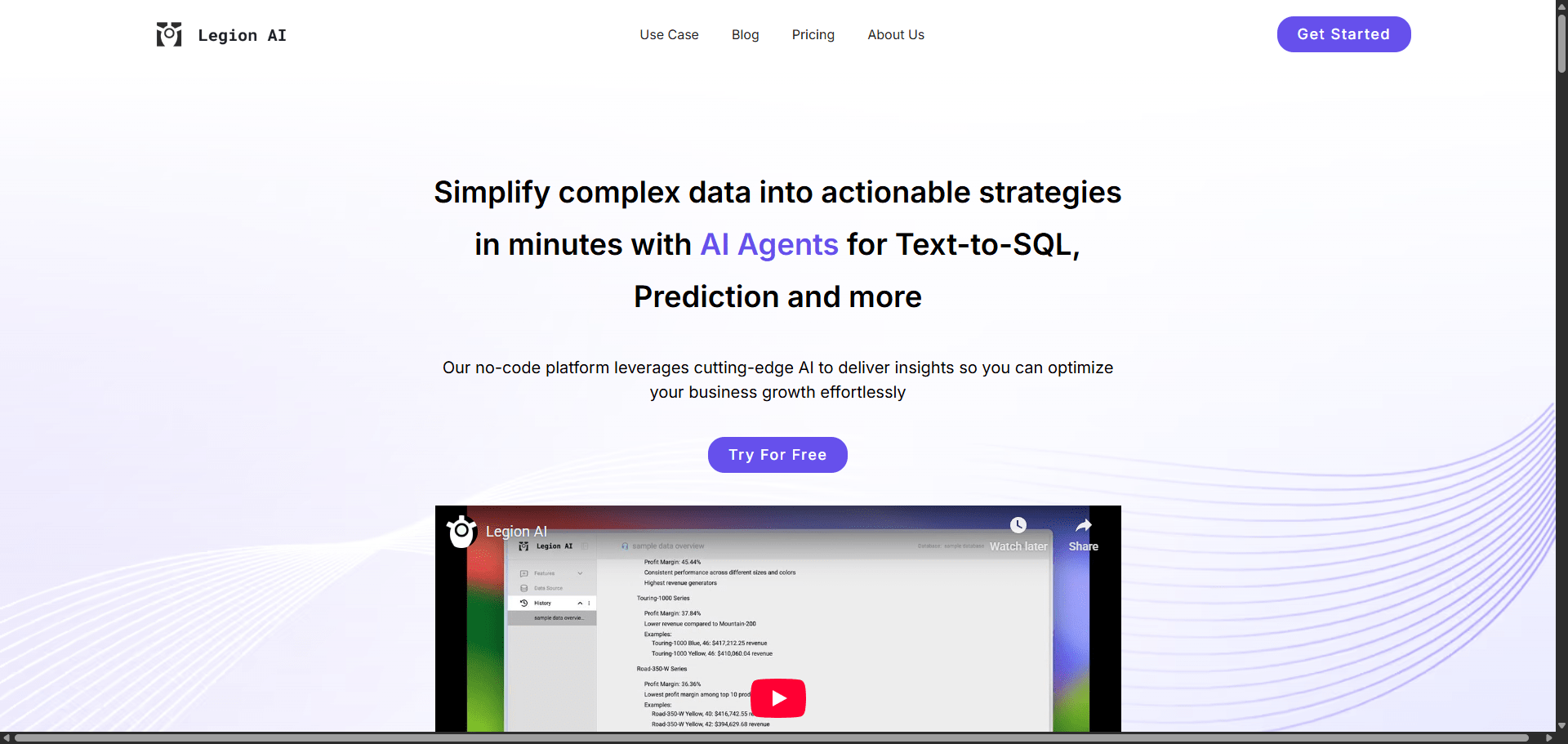
| Legion AI | No-code analytics automation | Freemium from $49 |
| Flowtrail AI | Conversational BI dashboards | Undisclosed |
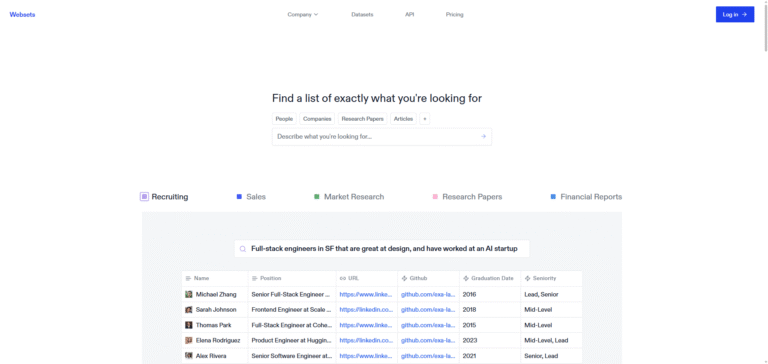
| Exa Websets | Search-driven data insights | Paid from $49 |
| Feature | Excelmatic | Legion AI | Flowtrail AI |
|---|---|---|---|
| Focus | Spreadsheet insights | No-code dashboards | Conversational BI |
| Input | Excel / CSV | CSV / API | Sheets / CSV |
| AI Type | Natural Language Query | Code-Free Builder | Voice/Text Interaction |
| Charting | ✅ Auto Charts | ✅ Advanced | ⚠️ Limited |
| Collaboration | ⚠️ Basic | ✅ Team Access | ✅ Multi-User |
| Price | Freemium $9 | Freemium $49 | Undisclosed |
| Verdict | Best for Excel users | Best for teams | Best for managers |
Excelmatic is a quiet revolution for spreadsheet users.
It gives Excel the intelligence it always needed — converting data into clear answers, visualizations, and business-ready insights.
For solo professionals, marketers, and small businesses that live inside Excel but hate complex analysis, Excelmatic is an absolute time-saver.
If you’ve ever wished Excel could “just tell you what’s going on,”
Excelmatic does exactly that.
⭐ Overall Rating: 4.7 / 5
Excelmatic is built specifically for spreadsheets. It understands cells, formulas, and data patterns — not just text.
Yes, it efficiently handles up to 50MB files with smart query optimization.
The Business plan supports team dashboards and shared workspaces for collaborative analysis.
No — Excelmatic is web-based and runs directly in your browser.